Connection issues can be caused by a number of reasons. Here are some common issues and how to resolve them on Page Assist. You will see the following error message if there is a connection issue:
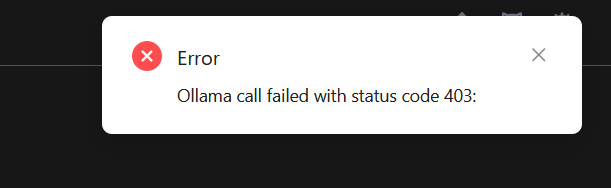
This issue usually occurs when Ollama is not running on [http://127.0.0.1:11434/](http://127.0.0.1:11434/), and the connection is from the private network or a different network.
### Solutions
Since Ollama has connection issues when directly accessed from the browser extension, Page Assist rewrites the request headers to make it work. However, automatic rewriting of headers only works on `http://127.0.0.1:*` and `http://localhost:*` URLs. To resolve the connection issue, you can try the following solutions:
1. Go to Page Assist and click on the `Settings` icon.
2. Click on the `Ollama Settings` tab.
3. There you will see the `Advance Ollama URL Configuration` option. You need to expand it.
